If you do not serve customers at your own address, do not show it on Google. List a service area instead. Most landscaping firms work at customers' properties and fit Google's definition of a Service Area Business. Google's own example is a plumber who runs a business from a residential address and should clear the address from the Business Profile. Setting this up keeps your home address off your profile and in line with Google's guidelines.
Service area business, shop front or hybrid
Google's help pages say which businesses can use a service area. Most landscapers work entirely in customers' gardens and do not serve customers at their own address. This means they fit Google's definition of a Service Area Business. A Service Area Business visits or delivers to customers but does not serve them at its address.
A business with a yard, nursery or showroom that customers visit is treated differently. The main test for a shop front or hybrid business is permanent on-site signage. If a business does not have permanent on-site signage, it is not eligible as a shop front and should be listed as a Service Area Business. A hybrid business that serves customers at its address should also have the location staffed and able to receive customers during its stated hours.
Categories are a separate choice from your address settings. Most landscaping firms use Landscaper as the primary category, and some add categories such as Gardener, Landscape designer, Fence contractor, Paving contractor, Deck builder or Tree service, but only where the category describes work the firm really does.
The table below shows how Google defines the three main business types. Google's guidelines say a business that shows its address should have permanent fixed signage of the business name there.
|
Business type |
Customer location |
Permanent signage |
|---|---|---|
|
Service Area Business |
Visits customers only |
Not needed if the address is hidden |
|
Shop front |
Serves at address only |
Expected at the address |
|
Hybrid |
Serves at address and visits |
Expected at the address |
Why your home address should not show
The address on your Business Profile is public and visible to anyone searching on Google Maps or Google Search. Google's guidelines say that if you are a service-area business you should hide your business address from customers. Listing a home address where you do not actually receive customers goes against Google's guidelines.
Many landscapers operate from home and keep their equipment in a locked residential garage or a secure lockup. While this is a normal way to run a landscaping firm, it does not turn a house into a shop front. If you run your business from your residential address, clear the address from your Business Profile.
Some business owners try to get around this by renting a virtual office, which is a rented postal address the business does not operate from. A virtual office is not eligible for a Business Profile, and service-area businesses cannot list a virtual office unless that office is staffed during opening hours. Businesses with a PO Box address are not permitted on Google Business Profile, and a profile with its address set at a PO Box will be suspended. PO boxes and mailboxes at remote locations are not acceptable addresses.
How to hide your address
Google changes these screens from time to time and the names here are the ones Google's help pages used in November 2026. Google says you should only choose not to show your address if your business is a service-area business.
- Go to your Business Profile.
- Select Edit profile, then Location.
- Next to 'Business location' select Edit.
- Turn off Show business address to customers.
- Select Save.
Once you hide your business address, your Business Profile only shows your service area. If you do not enter a service area, a local area is chosen for you, which you can edit later. Changes to your profile usually take about 10 minutes to show up, and in some cases up to 30 days.
Setting your service areas
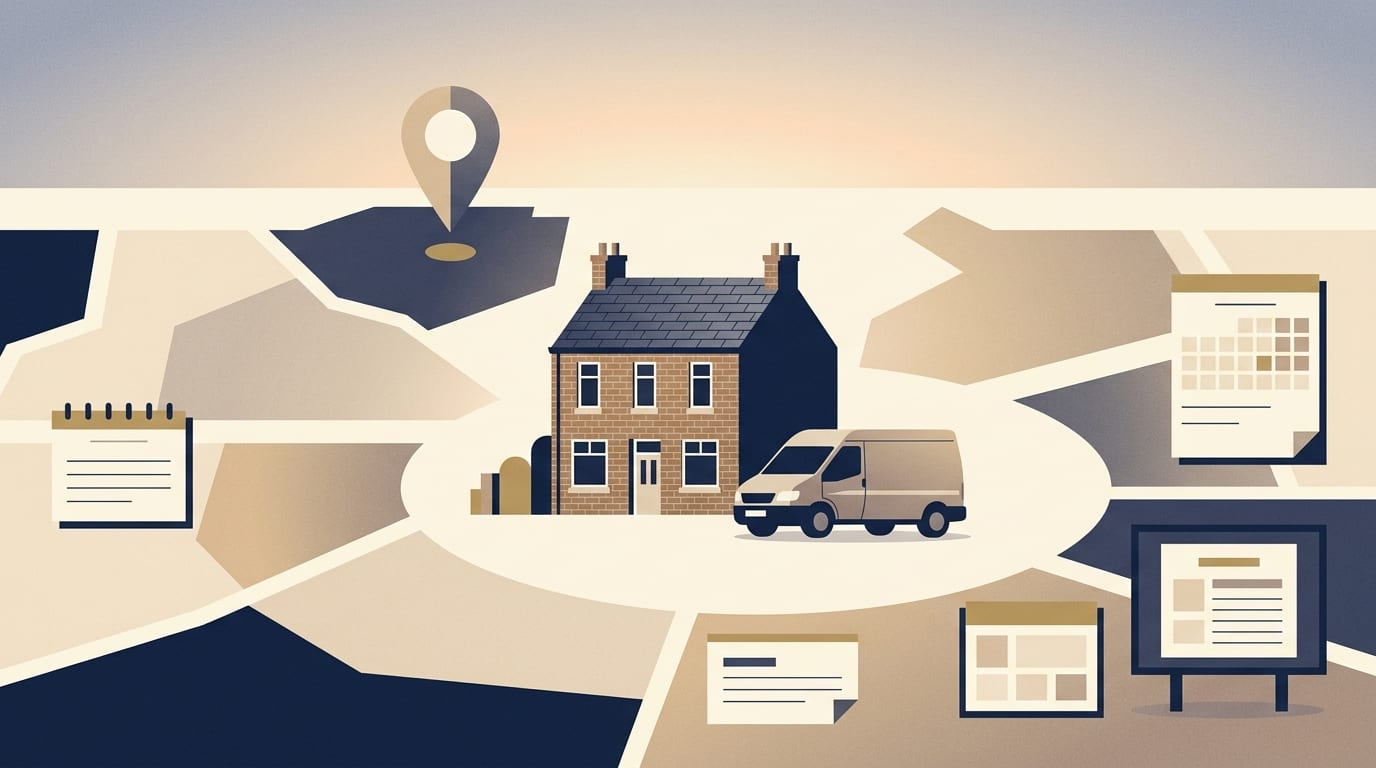
A Service Area Business can only have one profile for the whole area it serves. Define this area accurately. The boundaries of your overall area should not be more than about two hours of driving time from where your business is based.
You can set up to 20 service areas, based on the cities, postcodes or other areas you serve. Google says to be as specific and accurate as possible. For example, a landscaping business based in a county town should select the exact nearby towns and postcode districts they genuinely travel to for paving or fencing work. Picking an entire region or county that takes much longer than about two hours to cross goes beyond that limit. To add or edit a service area, follow these steps.
- Go to your Business Profile.
- Select Edit profile, then Location.
- Next to 'Service area' select Edit.
- Select a suggested service area or enter one.
- Select Save.
You can read Google's help page for the main process to see these steps confirmed. If approved, service area edits may take up to 48 hours to show on your profile.
To remove a service area, select Edit next to 'Service area' and remove the locations you do not serve under 'Selected service areas', then Save. To remove all of your service areas you must be a shop front business with your business address on the profile.
Rules that catch businesses out
A common mistake is trying to set a mileage circle around your base. You cannot set your service area as a radius distance around your business. If you previously set it up that way you cannot edit it, and must instead specify your area by city, postcode or another type of area.
Another area of confusion is how to handle a business that changes how it operates. If you change from a shop front to a Service Area Business or hybrid business, you must update the profile to match. If you serve customers at your address and also have a service area, enter both. If you do not serve customers at your address, remove the address and only enter your service area.
Firms that expand often want a second profile to cover a new town. Google allows one profile per location for a service business with different locations, each with separate service areas and separate staff. Otherwise a business that travels to customers is allowed one service-area Business Profile. Google asks for one service-area profile for a team that travels to customers, so do not create several to cover different towns.
Sometimes a landscaper needs to take control of an existing profile created by a previous owner or agency. To request ownership of a Service Area Business that provides services at the customer's location and does not have a physical shop or office, Google says to contact it. In the 'Tell us what we can help with' field enter Transfer ownership of listing, and choose Transfer ownership of listing as the issue description.
Verifying a business run from home
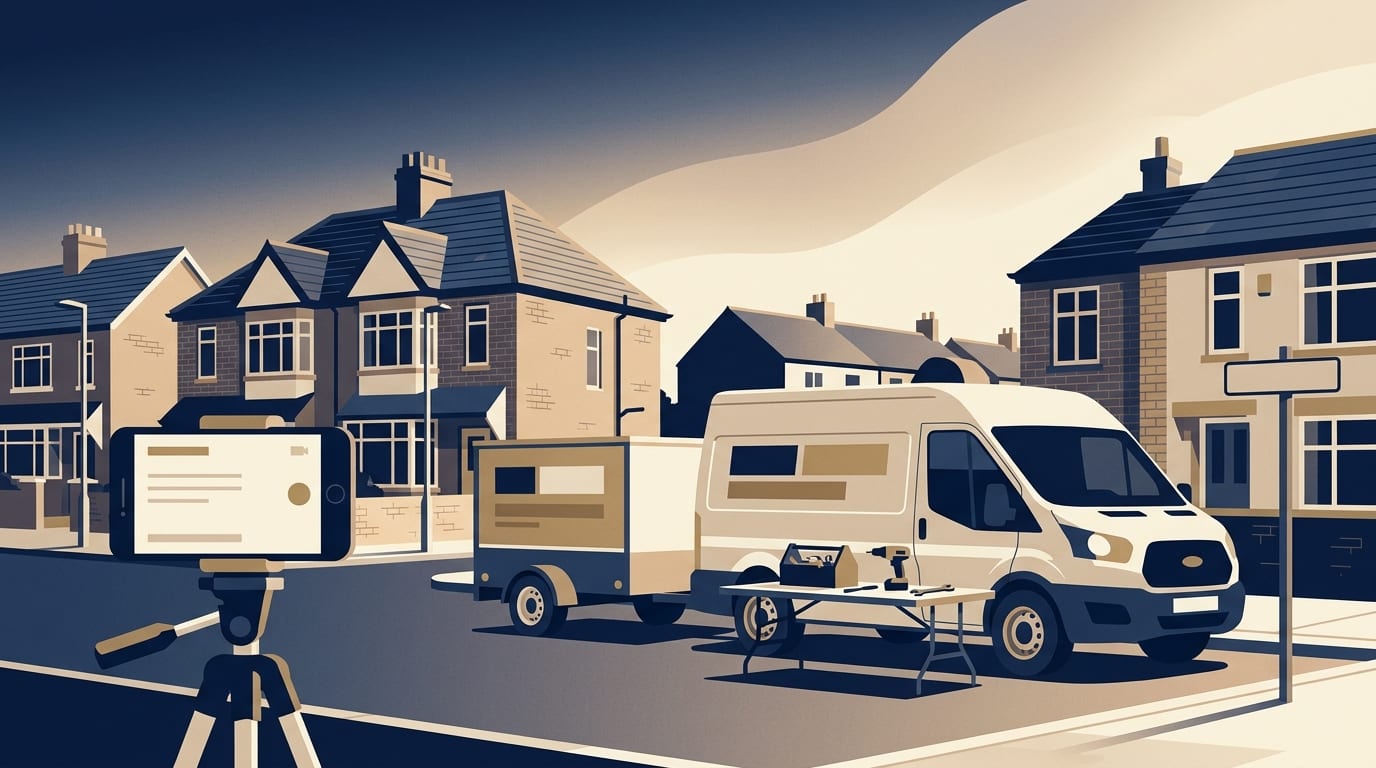
Google decides which verification methods a profile is offered. If video is one of them, a Service Area Business video must show where the business operates. To confirm your location, record street signs, nearby landmarks or other identifiers at your business address, and avoid filming empty land or locations without clear markers.
Google gives a tip for businesses run from home. If you run a Service Area Business from your home, you can record landmarks and signs in your immediate neighbourhood to verify the address. You could start the video on your street to capture the road sign, then walk to your driveway and vehicles, keeping other people's faces out of shot. There is more in the guide to video verification for landscapers.
The video should also show that the business exists. Google's examples are the tools, equipment or products you use for work, so a landscaper could show a signwritten van or pickup with a trailer, mowers, strimmers, a turf cutter, a plate compactor, a mini digger and paving tools. If you have a commercial base, you can show paving slabs, sleepers, aggregates, turf and plants in the yard. You can also show branded workwear, an invoice from a paving or aggregates supplier, or a utility bill for the yard, that matches the name on your profile, keeping account, bank and tax numbers out of shot. Never film in a customer's garden where their house, neighbours or family can be seen, and keep machinery switched off while you film it.
Google decides what the public sees. Google says it determines how best to display your business address based on your business information and information from other sources. Hiding the address in your settings is the step Google gives for choosing not to show it.
Moving home or base
Landscapers often move house or upgrade to a commercial yard as the business grows. If your business moves, Google says not to create a new Business Profile for the new location. You must update the existing profile with the new address instead. If a profile is ever suspended, there is a guide on what to do about a suspended profile, although Google decides whether a profile is reinstated.
If you move your business to a new address after it is verified, you must verify your business again. The same applies to rebranding. If you change your business name after it is verified, you might need to verify your business again. If you offer different services from the new base, do not create separate profiles for each service, but list them as services on one profile.
Common questions
Will hiding my address hurt my ranking?
Google's help pages give no rule on whether hiding a home address affects local ranking. What the guidelines do say is that a service-area business should hide its address from customers and list service areas instead. Nobody can promise or pay for a ranking.
Can I show my home address if I have a workshop there?
Only if customers come to you there, and the signage and staffing guidelines covered above then apply.
How many areas can I add to my profile?
Up to 20, as set out earlier.
Why can I not edit my radius?
Google does not allow a service area set as a radius distance around your business. An old radius area cannot be edited, so use the cities, postcodes or other areas you serve.
What if I move house?
If your business moves, update the existing profile with the new address instead of creating a new profile. Because you are moving after verification, you must verify your business again at the new address.
Your next steps
Getting your profile settings right keeps you in line with Google's guidelines, although nobody can promise where a profile will appear. Use this checklist to review your current setup.
- Check if you have permanent on-site signage to determine if you are a shop front or a Service Area Business.
- Clear your residential address from the profile if you do not receive customers there.
- Ensure your address is not set to a PO box or an unstaffed virtual office.
- Add up to 20 specific service areas by city or postcode.
- Keep your overall service area boundary within about two hours of driving time from your base.
- Update your existing profile if you move, rather than creating a duplicate.
Service area edits can take up to 48 hours to show once approved, so allow some time. Setting the correct business type and hiding a residential address keeps the profile in line with Google's guidelines. When you are done, you can look up landscaping firms by area.
Find a top rated landscaper near you
4,475 landscapers across the UK, each ranked on their Google rating and the number of reviews behind it. Start with your county: